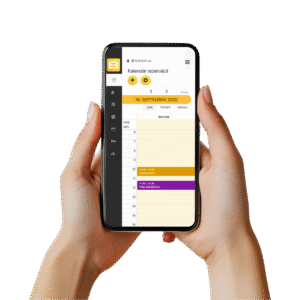
This feature allows you to color-code different types of bookings, services, or time blocks, improving the clarity of the calendar and making navigation easier for both you and your customers.
Color settings also help strengthen your brand by ensuring the booking system visually matches your website and other marketing materials. Colors are a powerful visual tool that enhance the user experience and support consistent branding.
What does this mean to you?
Color customization increases the aesthetic value of your booking system and makes working with the calendar easier. It also helps you and your customers navigate bookings more effectively, reducing the risk of errors and improving the overall user experience.
Do you have any further questions? Contact us.
By registering, you get full access to all features for 30 days without any limitations.
Have any questions? Send us an email, and we’ll call you and explain everything.
Leave the decision about which package is right for you for later.