Do you have one chair, one room or one skilled person who can handle a cut, a color and styling? Until now you had to create separate time slots for each service, and you still risked selling the same time twice. Dedicated Slot solves that for you.
You know the drill. Tuesday 2:00 PM is open and in that window you can do several things, the client just needs to pick what she wants. But your booking system doesn’t get that, so you either list ten separate slots for the same time and pray nobody books two at once, or you juggle it in your head and over the phone. Both cost you time, and sooner or later one window gets sold twice.
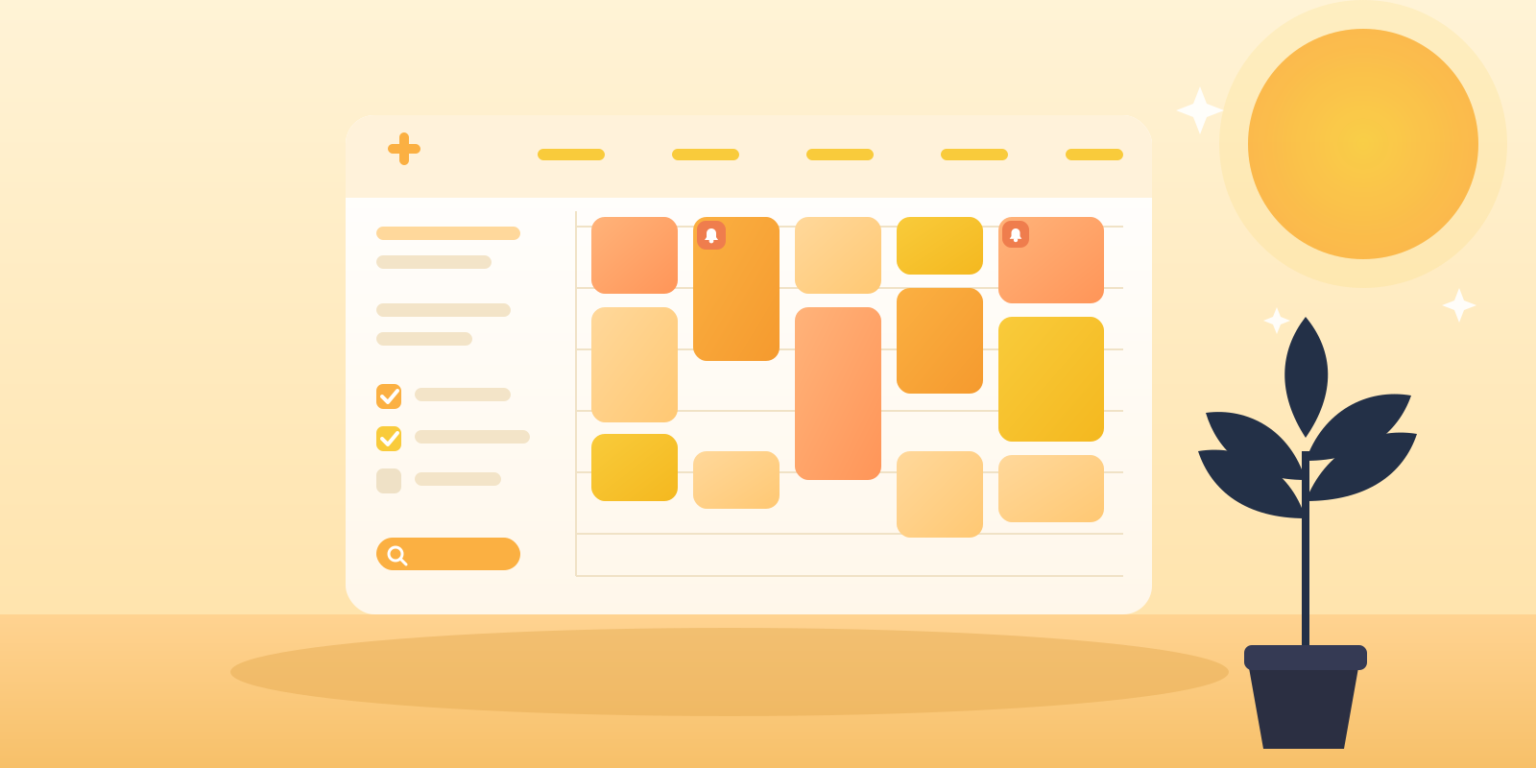
Dedicated Slot is a new feature in EASYBOOKING that removes this problem. You create one open slot, attach the services that can be done in that time, and the client picks any one of them. The moment she books it, the whole slot closes and the other services in that time disappear from the offer. It never sells twice.
In short: one time slot shared by several services. The client picks one, the slot locks for everyone else. You set it once, the system handles the rest.
How to set it up
The length of each service is taken automatically from its settings, so you don’t have to worry about timing.
What you actually gain
Where you’ll use it
Dedicated Slot is made for businesses where a single resource, a room, a chair, a piece of equipment or a staff member, can handle different services, but only one at a time.
In one window you offer a cut, a color or styling. The client picks one, the system locks the rest.
The same window for several consultation types, without listing each one separately.
One piece of equipment usable for multiple activities, always booked by only one.
One room, several services in the same slot, zero risk of overlap.
You don’t have to create separate slots for every service. Set up one, and the system makes sure it isn’t sold more than once.
Good to know. Once you set a service into dedicated slot mode, it stays that way for good, it can no longer be used as a standard service. This is a one-way setting, so decide in advance which services you want tied to shared slots.
Try Dedicated Slot in EASYBOOKING
Set it once and stop worrying about double bookings. The feature is part of your account, just switch it on.