A client from Vienna books an appointment through the German version of your page and a minute later receives a confirmation in Slovak. Not anymore. EASYBOOKING remembers the language the customer booked in and writes back in that same language. Meanwhile, your own copy arrives in your business language.
One appointment, two languages
That is the whole feature in a single sentence: the customer gets the notification in their own language, you and your staff always get it in the language of the business.
A single booking can therefore generate two different languages at once. Your client reads the confirmation in German, you see the same appointment on your phone in your own language. Nobody has to translate anything and nobody receives an email they cannot read.
It sounds like a detail. In practice it is the difference between looking professional and having a client who never even opens the confirmation, because they have no idea what is inside.
How the system picks the language
EASYBOOKING does not guess. It walks through four levels and takes the first one that is filled in.
1. Appointment language
A snapshot from the moment the booking was created. It is stored on the appointment itself, so it works even when the appointment has no customer record attached, which is typical for records imported from an older system. It can also be switched for one specific appointment, differently from what the customer has saved permanently. The classic case: an Austrian client books through a friend who speaks your language. You switch the language on that one appointment and the customer record stays German.
2. Customer language
A permanent setting on the client record. Set it once and it applies to every future booking.
3. Business language
Your setting in the CMS. The last line of defence and at the same time the default value for everything new.
4. Fallback
If everything above fails, the email still goes out. You never end up with an empty notification.
Nine notification languages
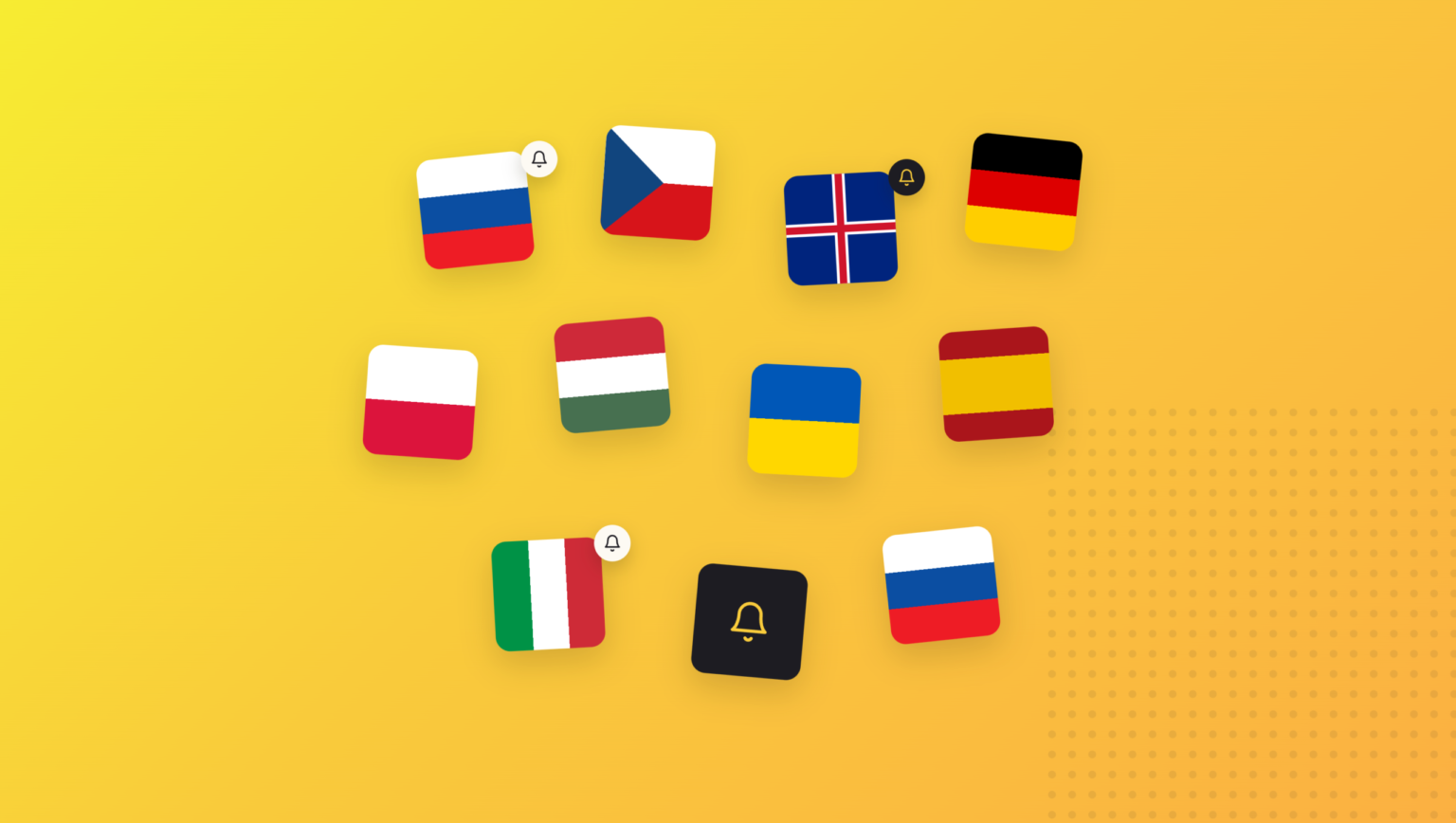
Notifications are now available in:
- Slovak
- Czech
- English
- German
- Polish
- Hungarian
- Ukrainian
- Spanish
- Italian
One thing people often mix up. The booking page and CMS interface are translated into 24 languages, notifications into 9. These are two independent layers. A customer can browse your booking page in Croatian, for example, but the confirmation email arrives in English, because Croatian notifications are not in the catalogue yet. Nothing breaks, the system simply falls through to the next level.
Where the language comes from
Automatically, from the public booking form. The system looks at the language the customer was actually browsing your page in. The order is: URL parameter, then session, then browser language, then fallback. The customer does not have to select or tick anything.
From the CMS, through a dropdown with flags. You will find it in three places:
- the new appointment modal
- the appointment edit screen
- the customer record
Language codes are normalised, so sk-SK, CZ, ua, gb and at are all mapped correctly. And if a value the system does not recognise comes in, nothing crashes. It simply moves on to the next priority level.
The system learns the language on its own
This is the part you will appreciate most after a few weeks of real use.
A new customer gets the language from their first booking written onto their record. You never have to fill it in manually.
An existing customer only has their language overwritten in two cases: when they do not have one yet, or when a staff member deliberately switched the dropdown to a language other than the one the system suggested.
Why this way? Picture a colleague entering appointments into the calendar who never touches the dropdown. Without this safeguard, every entry she makes would overwrite German with the local language, and a loyal German client would eventually start receiving emails he cannot read. This way, a language once set is never lost.
Why this is not nine templates
The classic approach is to build nine language versions of the email template. And then rewrite nine files every time the design changes.
EASYBOOKING is built differently. There is one email skeleton and the phrases get translated. The catalogue holds roughly 60 keys: email subjects, salutations, field labels, button texts, booking status names. Each key has its nine language values.
What this means in practice: when the notification design changes, it changes in one place and takes effect in every language at once. No versions drifting apart, no language that looks different from the rest a year later.
A missing translation also never produces an empty email. The chain is: requested language, then English, then Slovak, then the key itself. In the worst case you see a technical field name, never a blank space.
Details most systems ignore
Correct plural forms for hour counts. 1 hour, 2 hours, 5 hours. Every language has its own rule and the system respects it. Polish and Ukrainian additionally have an exception for the numbers 12 to 14. Hungarian does not use the plural after a numeral at all. These are exactly the things a native speaker spots instantly when deciding whether a text was machine-made or properly done.
The business name goes straight into the email subject. The sender is always EASYBOOKING, so without the business name the customer would not see who the email is from. This way your name shows up right in their inbox list.
One recommendation before you go live
We will be straight with you: the translations into all nine languages are machine-generated.
Slovak, Czech and English are solid. If you plan to work seriously with Hungarian, Ukrainian or Polish clients, have the texts reviewed by a native speaker before going live. It is an hour of work and it is the difference between looking like a translation tool and looking like you mean business.
What to do now
Three steps, two minutes each:
- Check your business language in the CMS settings. This is the language you and your staff will receive.
- Fill in the language on the records of your regular international clients. The system will fill it in on their next booking anyway, but this way they have the right language immediately.
- Send yourself a test booking in a foreign language and see how the notification looks.
If you are not using EASYBOOKING yet and you have clients who do not speak your language, try it for free. Multilingual notifications are part of the platform, not a paid add-on.